

Connected pages
From a warm introduction to a detailed sample brief.

WEALWAVE PRODUCTS / CLAY CONSULTANCY WEBSITE
An approachable home for serious questions. Give your service business a distinctive identity and a practical path from first impression to a useful conversation.
Your project brief stays in this browser. Nothing is sent.
Fictional website showcase. Explore the demo or prepare a draft brief.
From a warm introduction to a detailed sample brief.
Clarity, priorities, workflows and planning.
Fictional scenarios with materials you can inspect.
A WEBSITE FOR PEOPLE WHO HELP PEOPLE
For small-business consultants, independent service practices and collaborative planning studios who want to explain the work before asking for an enquiry.
Make the purpose, fit and boundaries of each service understandable.
Show how a question becomes a roadmap or working agreement.
Connect the people, process and materials behind the work.
THE IMPLEMENTED WEBSITE
Actual desktop and mobile captures, with full-page versions available to inspect.

Original clay consultants, spacious typography and practical starting points introduce the studio.

Scenes stack and decorative layers simplify while the reading order stays clear.
UNDERSTAND THE SUPPORT
Each service explains fit, preparation, activities, deliverables, boundaries and follow-through. Readable working materials make an abstract offer easier to understand.
Explore this part of the demo ↗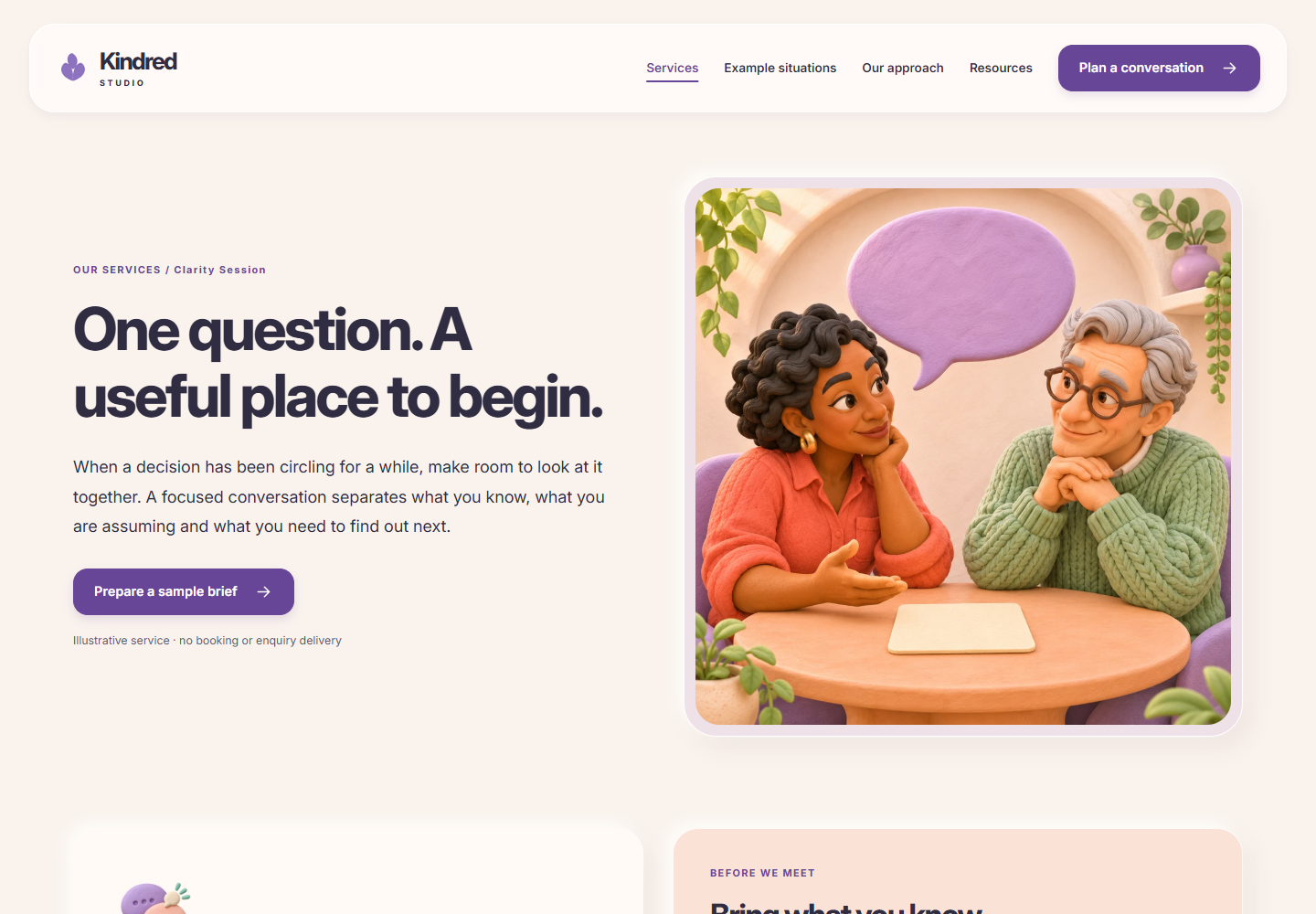
MAKE THE THINKING VISIBLE
Four fictional scenarios connect a recognizable question to illustrative materials, decisions still needed and exactly two related situations. They demonstrate an approach without inventing client results.
Explore this part of the demo ↗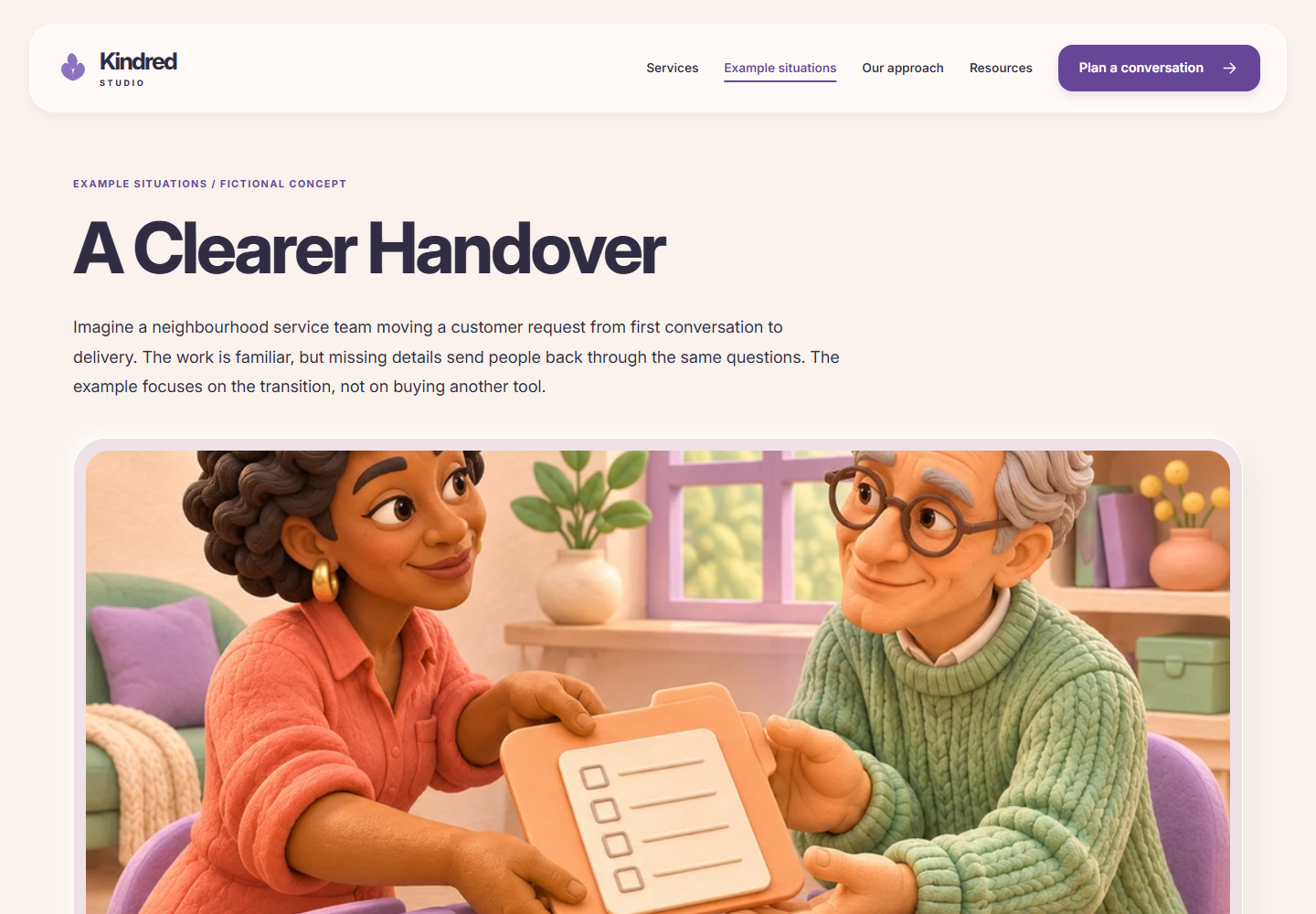
A STARTING POINT, EXPLAINED
The finder matches the visitor’s challenge to a possible service, explains the fit and keeps every option visible. Answers remain in current-page memory.
Explore this part of the demo ↗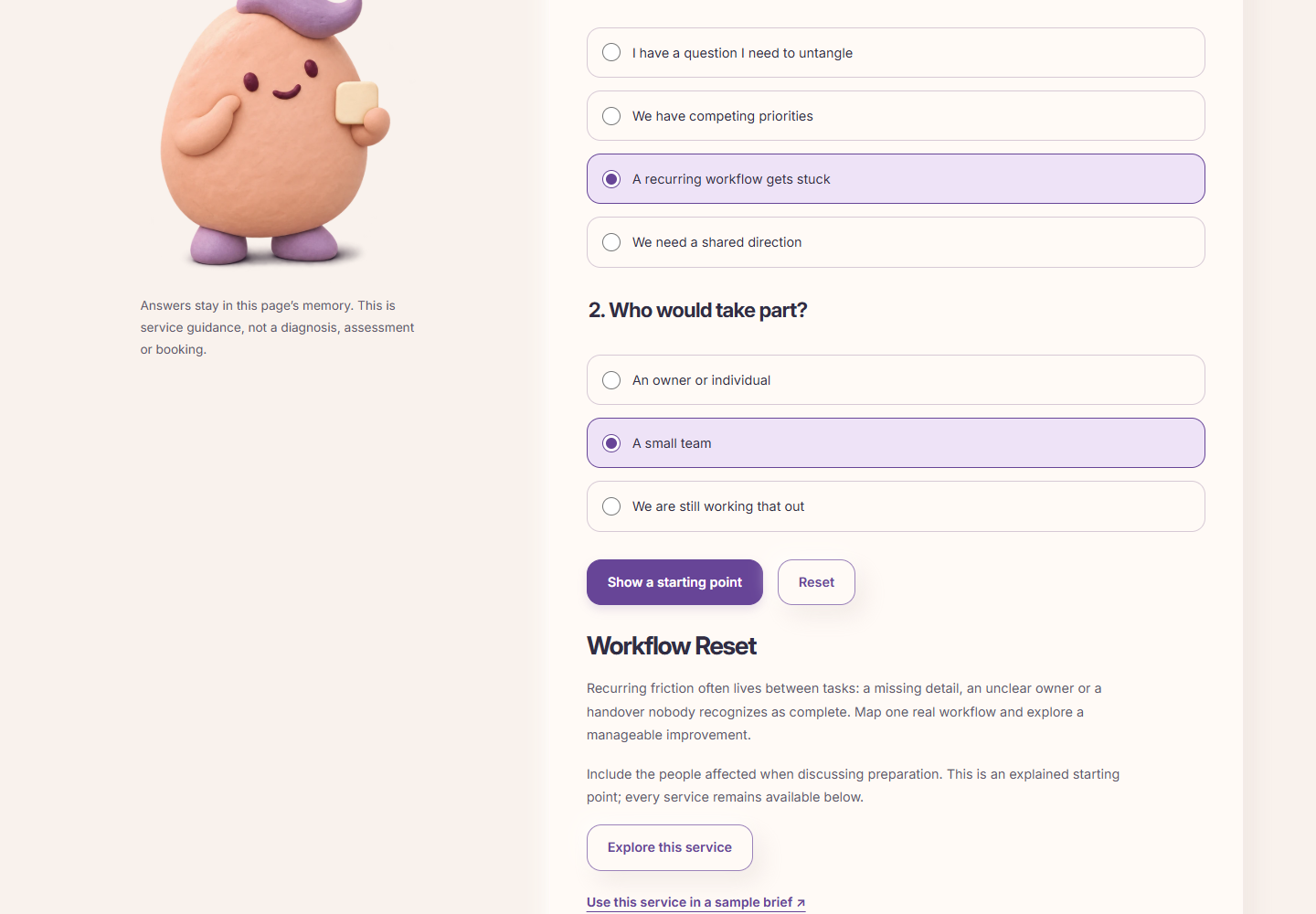
TAKE A LITTLE THINKING SPACE
Two original worksheets offer readable HTML, blank TXT downloads and print layouts. No email or account stands between the visitor and the material.
Explore this part of the demo ↗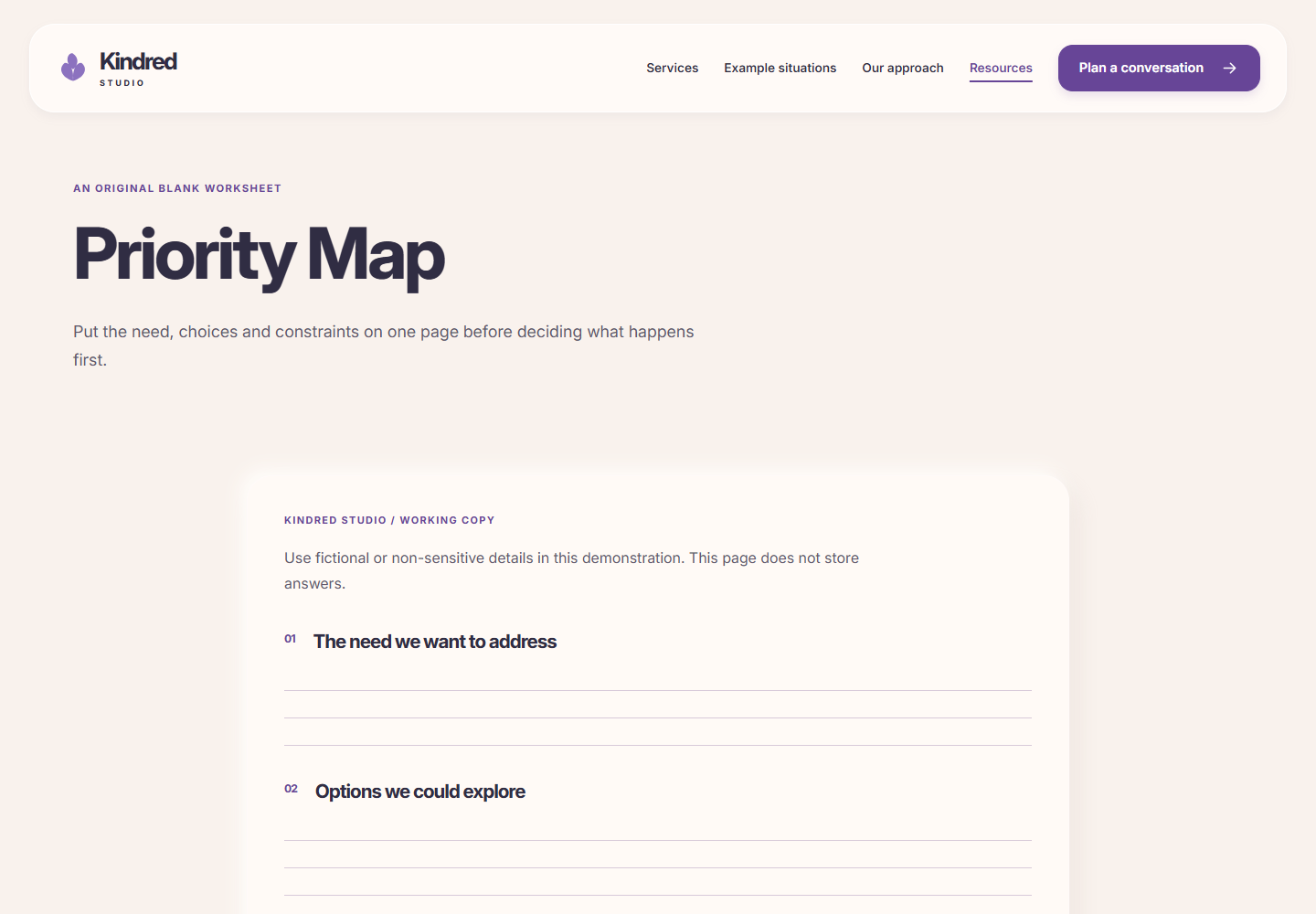
A MORE THOUGHTFUL CONVERSATION
Four input steps lead to editable review, copy, TXT export and print. Validated public inspiration IDs carry context; personal answers stay out of URLs and storage.
Explore this part of the demo ↗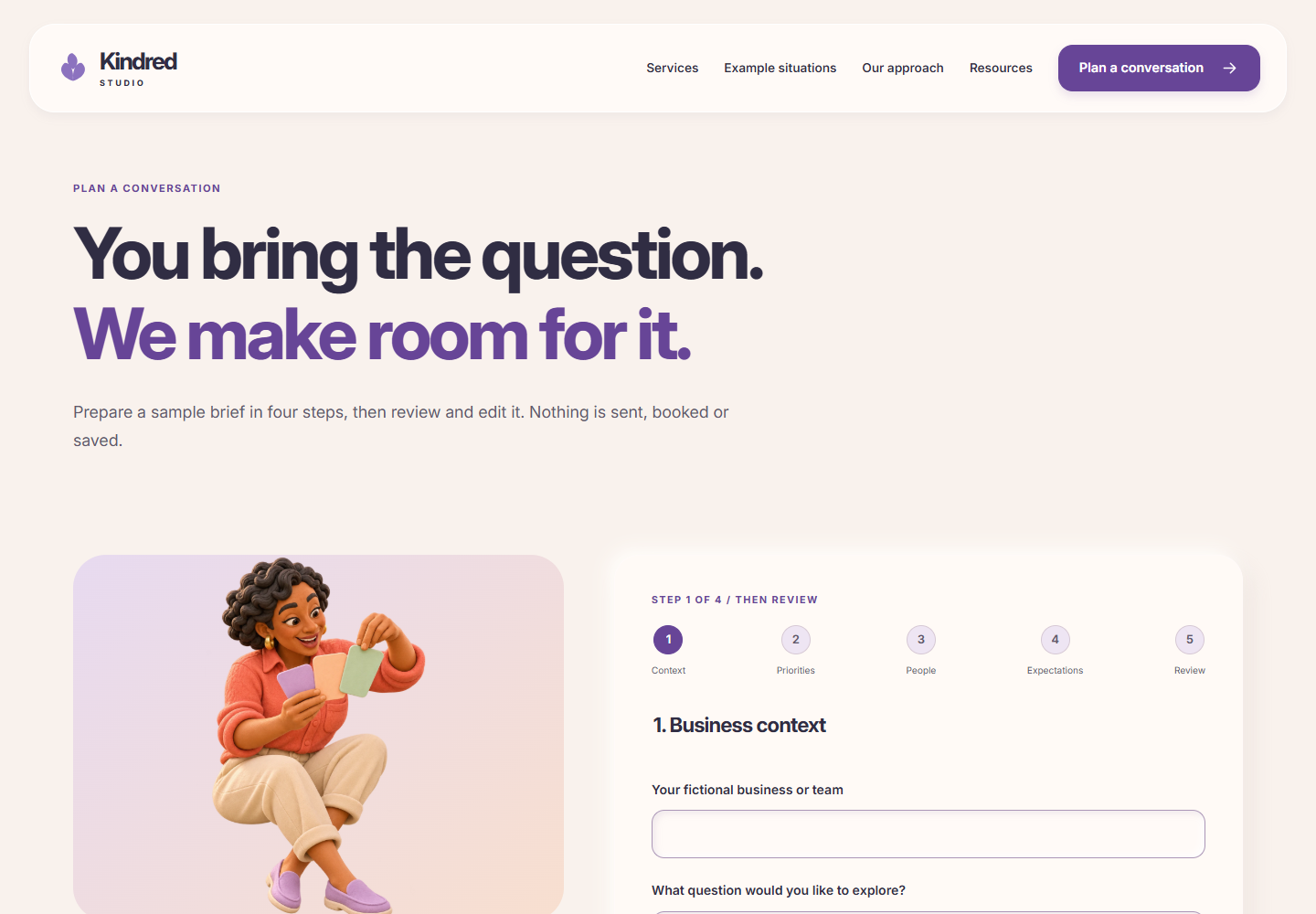
Your project brief stays in this browser. Nothing is sent.
THE IMAGE DIRECTION
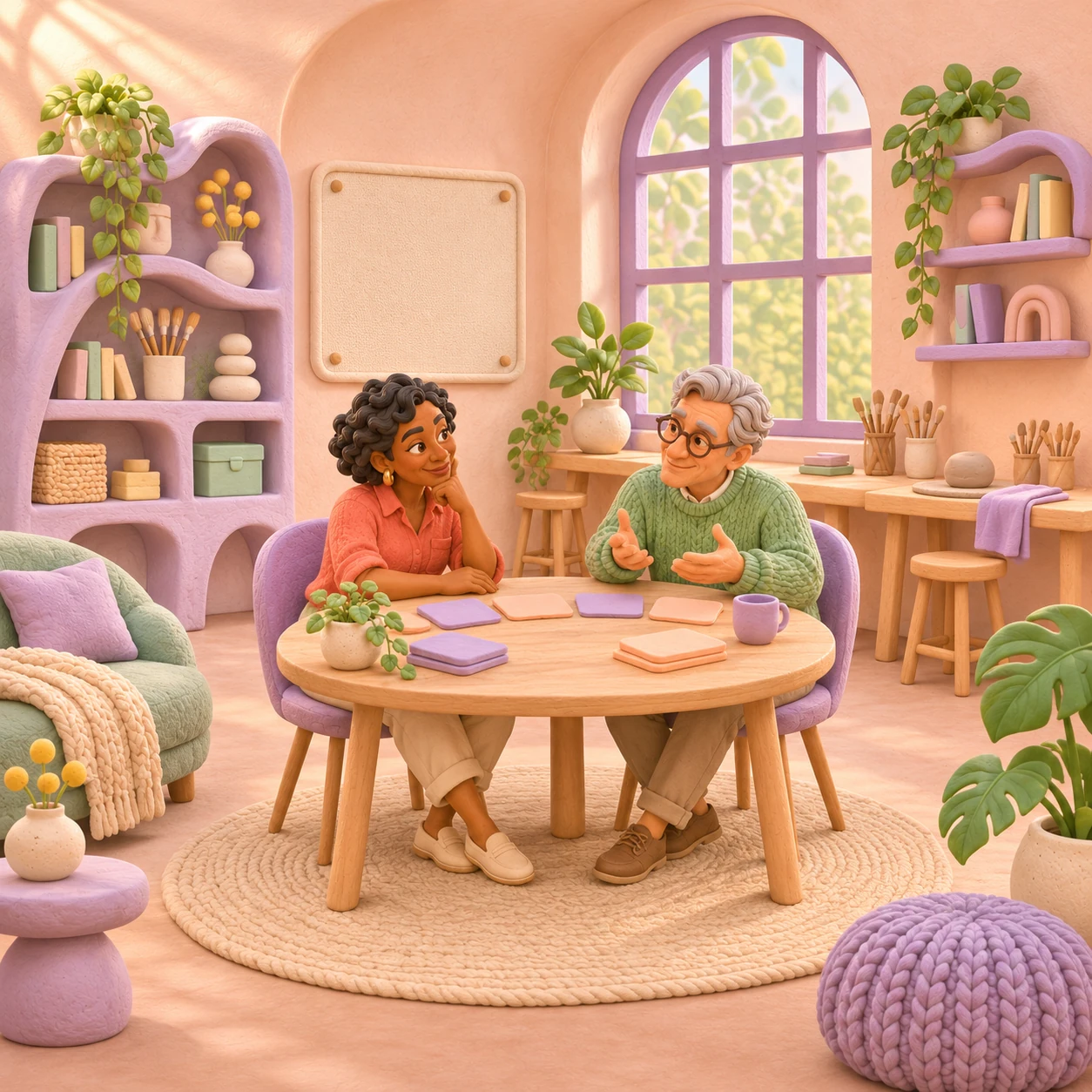
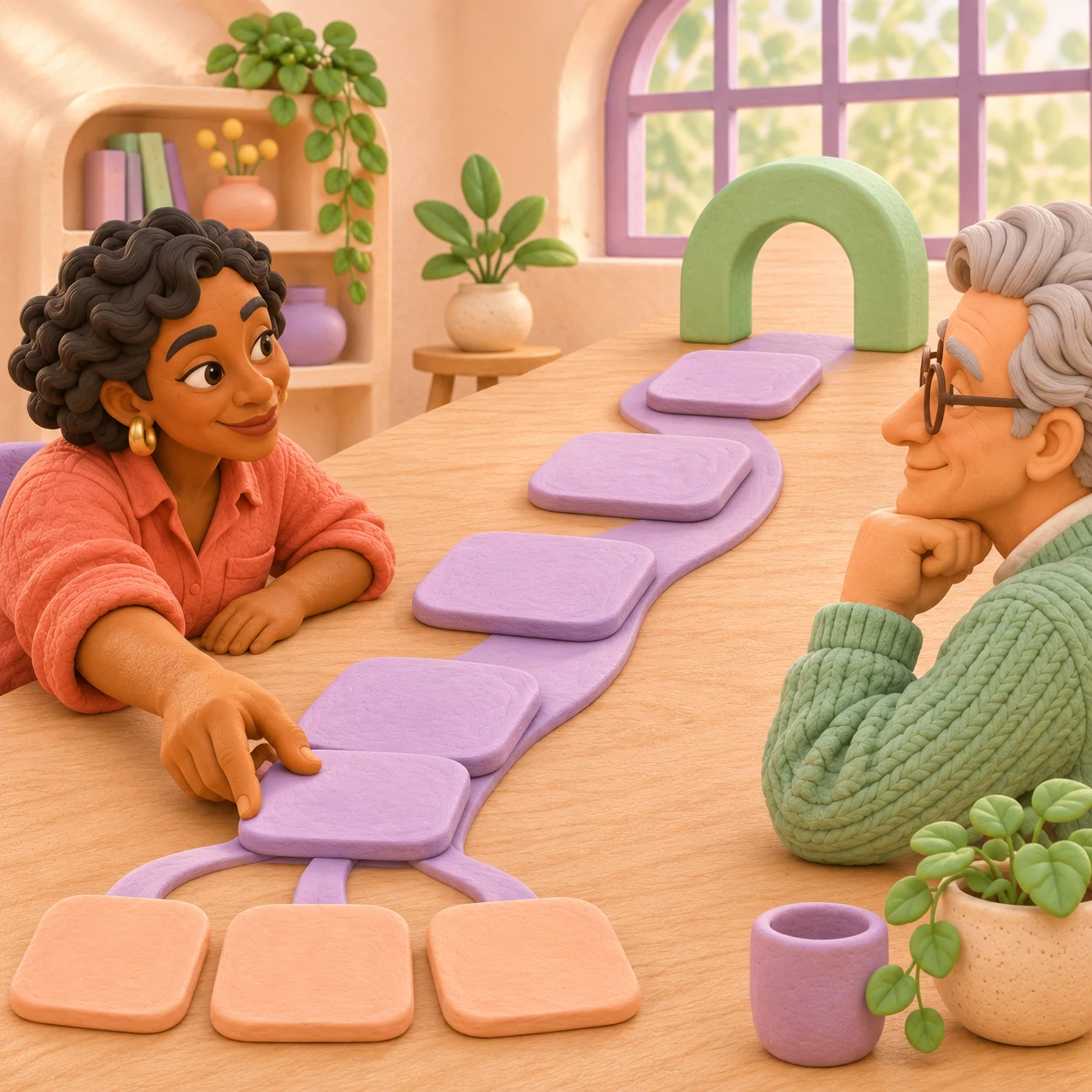
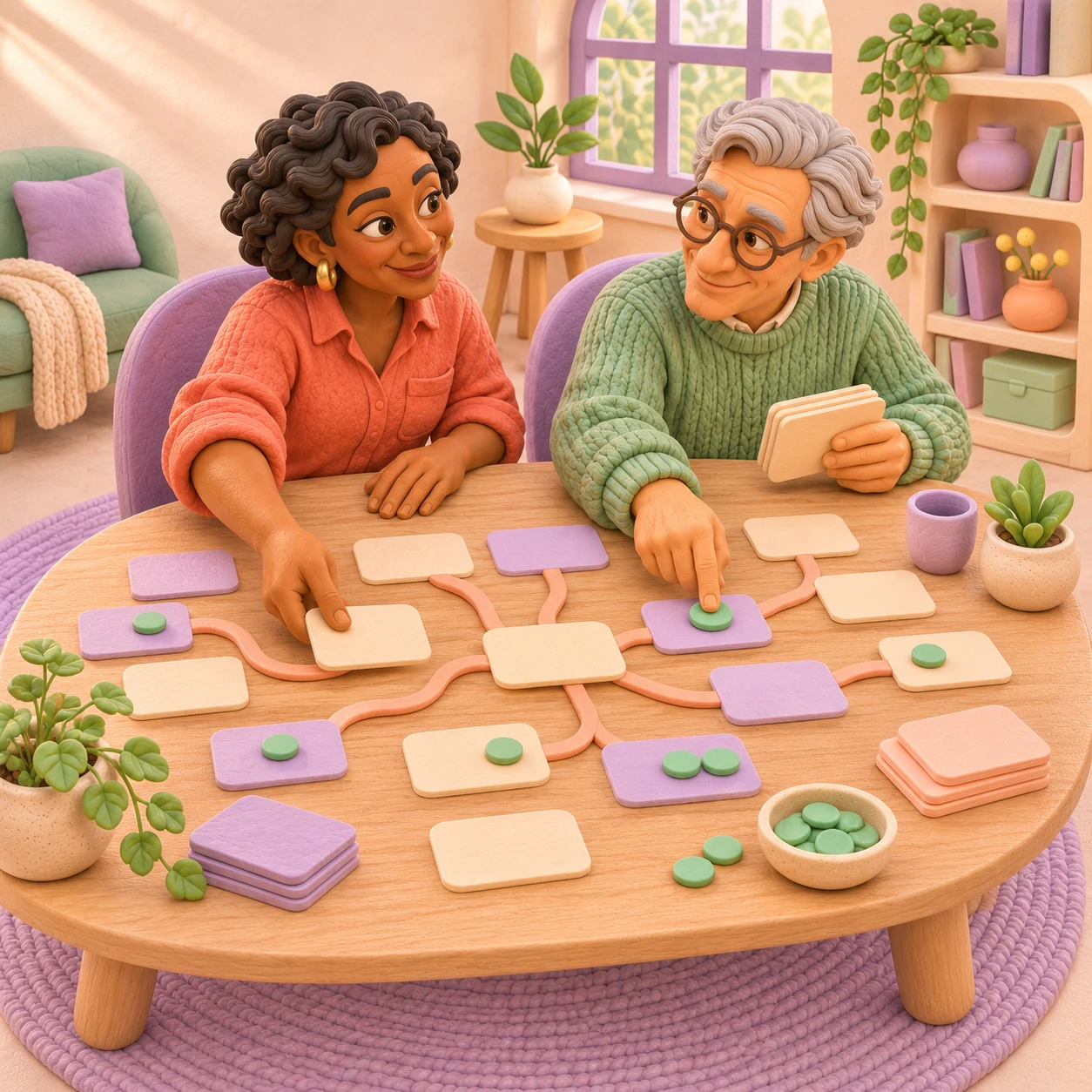
Explore each image, the visual idea behind it and its role in the website.




THE INSTALLED BRAND SYSTEM
01 / COLOUR ROLES
#8C72BFClay objects, supporting identity and decorative accents.
#F9F2EDQuiet demo canvas and reading surfaces.
#F7C6B5Warm workspace details and contrasting panels.
#82BDB2Workflow and collaboration scenes.
Interface violet #674597 supports readable white actions. Deep plum #302D43 anchors reading. Pale colours support surfaces rather than small text.
02 / TYPOGRAPHY
A little clarity.
Room to move.
Display / Inter 750Give the question some space.
Body / Inter 400Calm paragraphs explain the work.
Controls / Inter 600Find your starting point ↗
Self-hosted Inter in the demo. Ordinary sales copy retains WealWave’s own Inter hierarchy.
03 / INSTALLED CLAY ICONS
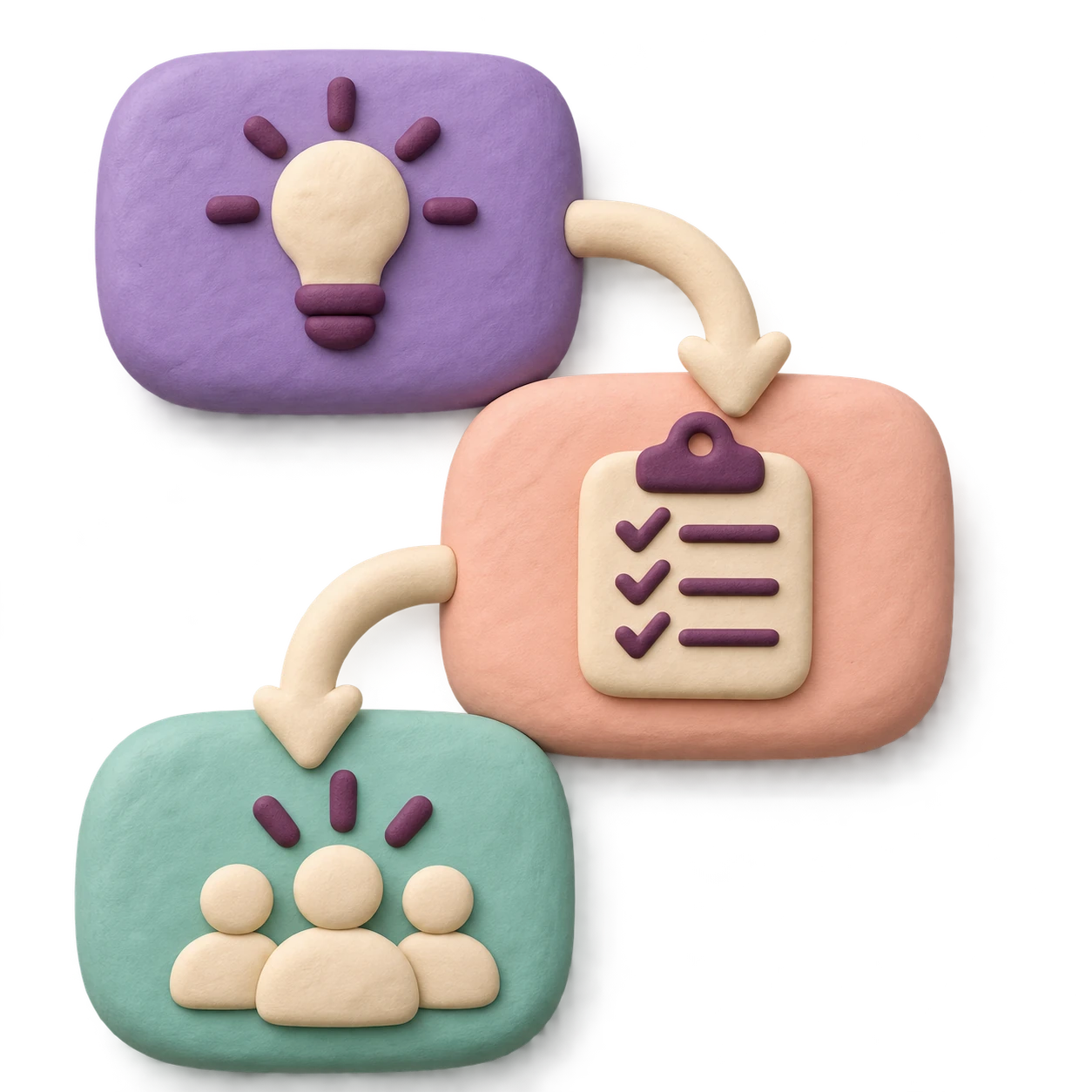



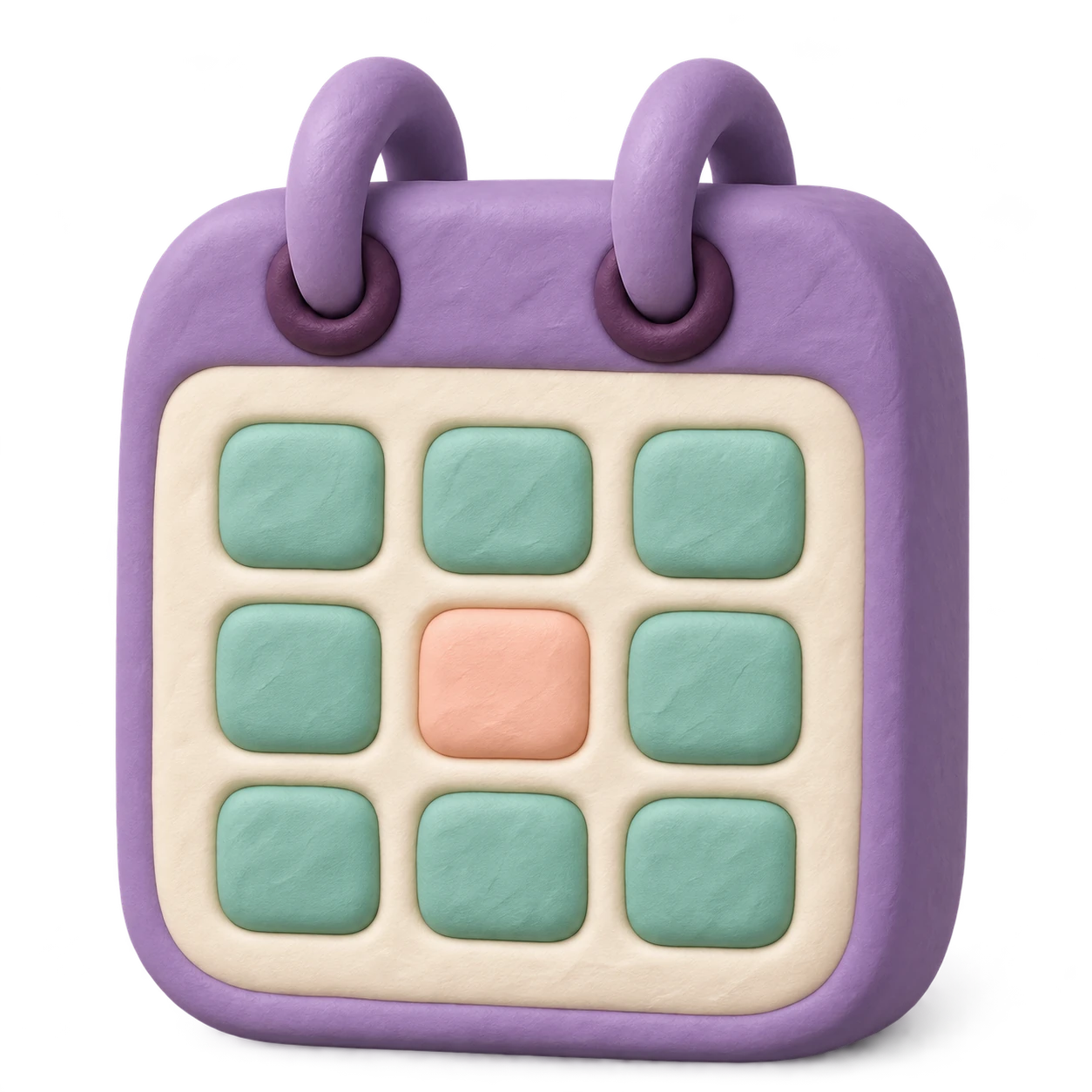
Eight original raster icons use matching matte clay, rounded forms and upper-left lighting. They support service comparisons, process stages and resources.
Simple SVG arrows and native controls retain clarity at small sizes. Icons remain outside the artwork slider.
04 / PEOPLE, MASCOT & PATTERNS
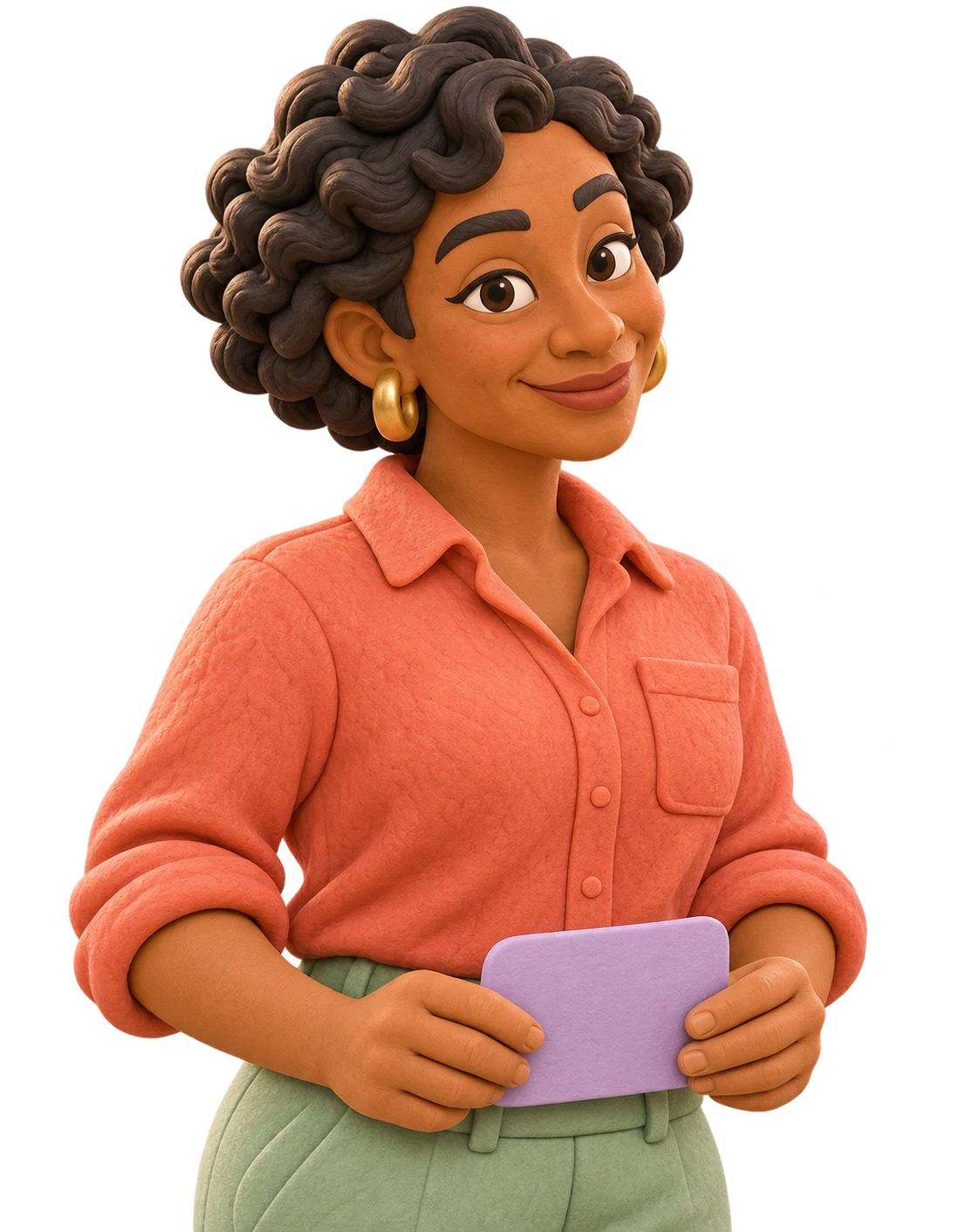


Tessa and Leon lead the workplace scenes. Kip appears at selected orientation and brief moments. These are fictional generated identities, without invented professional histories.
Petal and connection motifs frame quiet surfaces. Essential text stays clear of decorative objects.
Draft identity and original generated artwork. Final business identity, asset rights and licences are agreed during customization.
Download guidelines v4Download draft toolkit v4A STARTING POINT, THEN YOUR OWN DIRECTION
ILLUSTRATIVE FIVE-PAGE STARTING PACKAGE
Five pages and two consolidated revision rounds. Supply approved business content and imagery or select supported assistance.
THE EXPANDED 24-PAGE SHOWCASE
The larger demo demonstrates four services, four scenarios, original characters and icons, a finder, worksheets and a guided brief. These additions require separately agreed scope.
Booking, enquiry delivery, accounts and integrations require separate scope.
FROM DIRECTION TO DELIVERY
Try the live demo and note the pages or interactions that fit your idea.
Describe your goal, audience and what you would adapt in a private draft.
Review and copy the brief when ready. Nothing is sent.
Twenty-four connected pages, four services, four fictional example situations, two worksheets, three articles, a service finder and a memory-only sample brief. Original clay consultants and eight dimensional icons form the identity.
No. Tessa, Leon and Kip are original generated fictional characters. All situations and working materials are illustrative, without invented credentials, clients or results.
No. The guided brief supports review, copy, TXT export and print. Answers remain in current-page memory and are discarded on navigation, reload or Back-cache restoration. No appointments or enquiries are delivered.
Your approved identity, people, copy, service explanations, imagery and page selection can shape the website. Delivery, booking, accounts, integrations and expanded functionality require separate scope.
Version 4 documents original characters, scenes, clay icons, typography, colours, patterns and actual website captures. Final identity, asset rights and licences are agreed during customization.
A WELCOMING HOME FOR YOUR WORK
Start with Kindred. Shape the website around your own practice.
Your project brief stays in this browser. Nothing is sent.