Connected pages
A complete studio journey, from inspiration to a sample brief.

WEALWAVE PRODUCTS / BOTANICAL EDITORIAL
An expressive digital home for garden studios. Let people picture their space, understand your approach and begin a thoughtful project conversation.
Your project brief stays in this browser. Nothing is sent.
Fictional website showcase. Explore the demo or prepare a draft brief.
A complete studio journey, from inspiration to a sample brief.
Six distinct spaces with planting, materials and original plans.
A searchable palette with conditions and regional sources.
A WEBSITE FOR YOUR WORLD
The demo represents a fictional residential garden studio in coastal BC. Its structure can be adapted to a real business, its audience and an agreed content plan.
Explain your approach through generous garden stories, practical services and a clear route to a project brief.
Connect planting palettes to light, moisture and seasonal interest, with room for thoughtful explanations.
Make courtyards, terraces and compact gardens feel considered through detailed imagery and useful context.
THE CUSTOMER JOURNEY
01 / EXPLORE THE EXPERIENCE
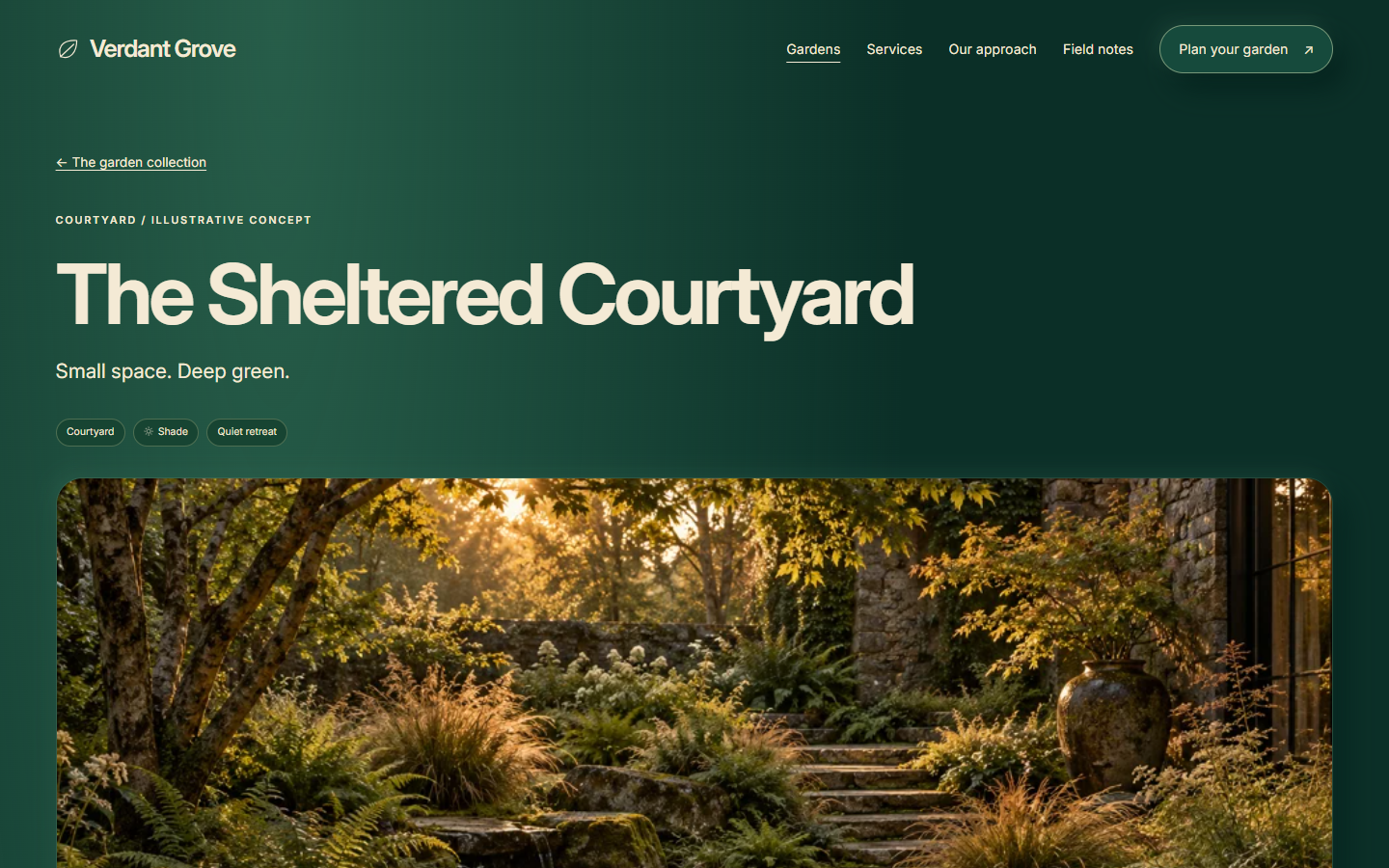
Garden stories describe the brief, conditions and design decisions, helping a visitor recognize what matters in their own space.
Try this part of the demo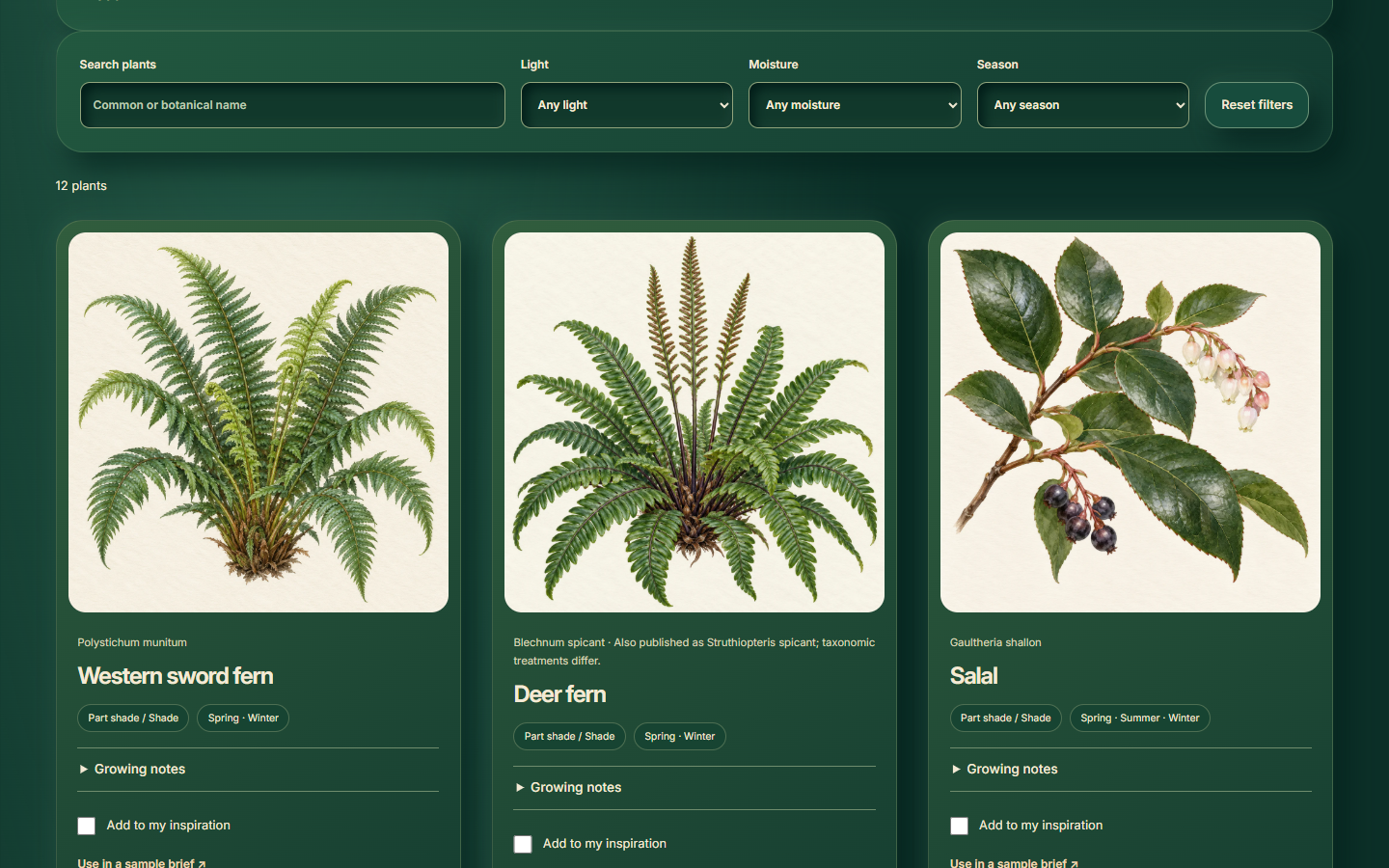
02 / EXPLORE THE EXPERIENCE
Plant notes and filters connect visual inspiration with conditions, seasonal interest and care.
Try this part of the demo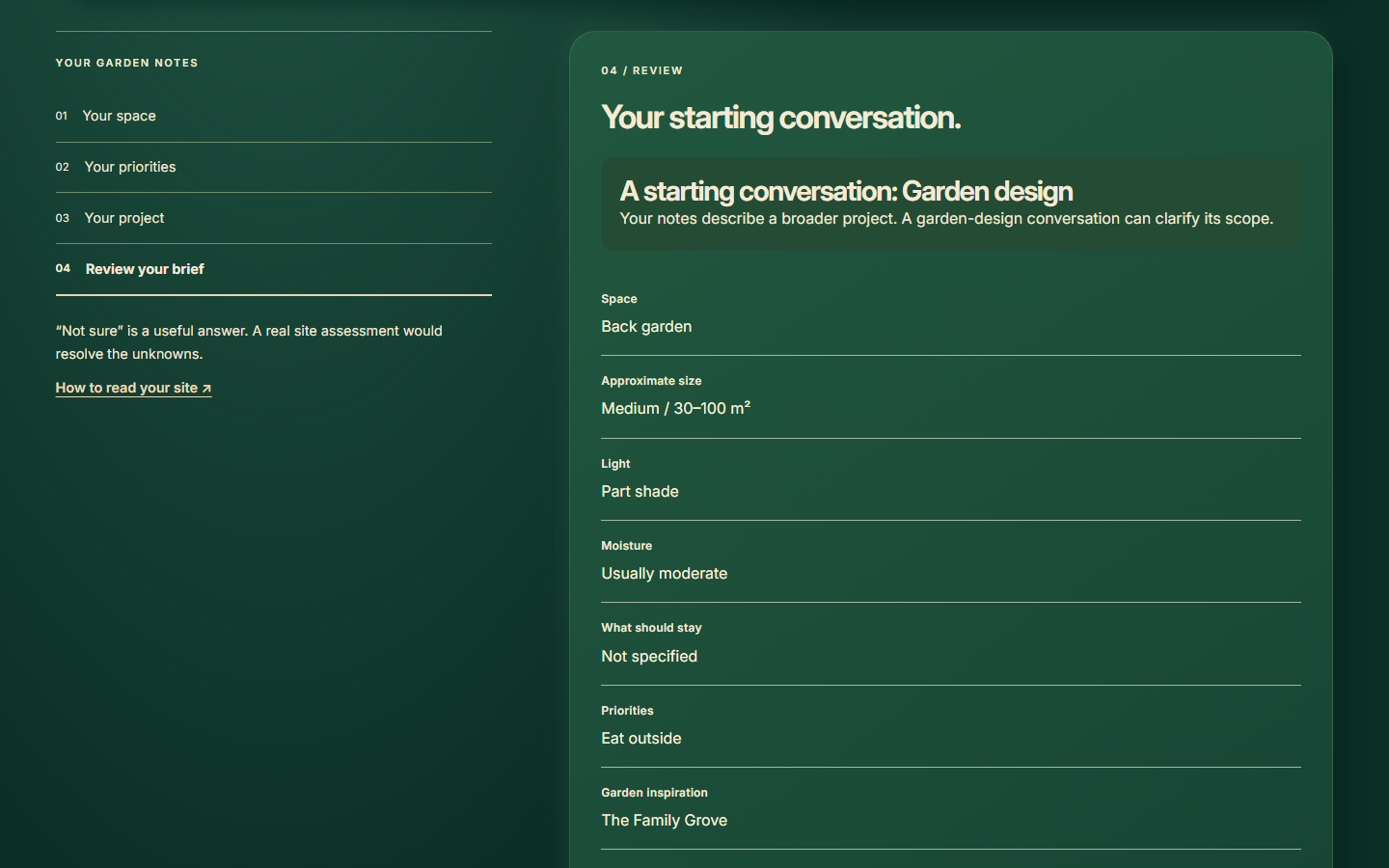
03 / EXPLORE THE EXPERIENCE
A guided questionnaire turns interests and observations into a reviewable, downloadable sample summary.
Try this part of the demoTHE WEBSITE, IN CONTEXT
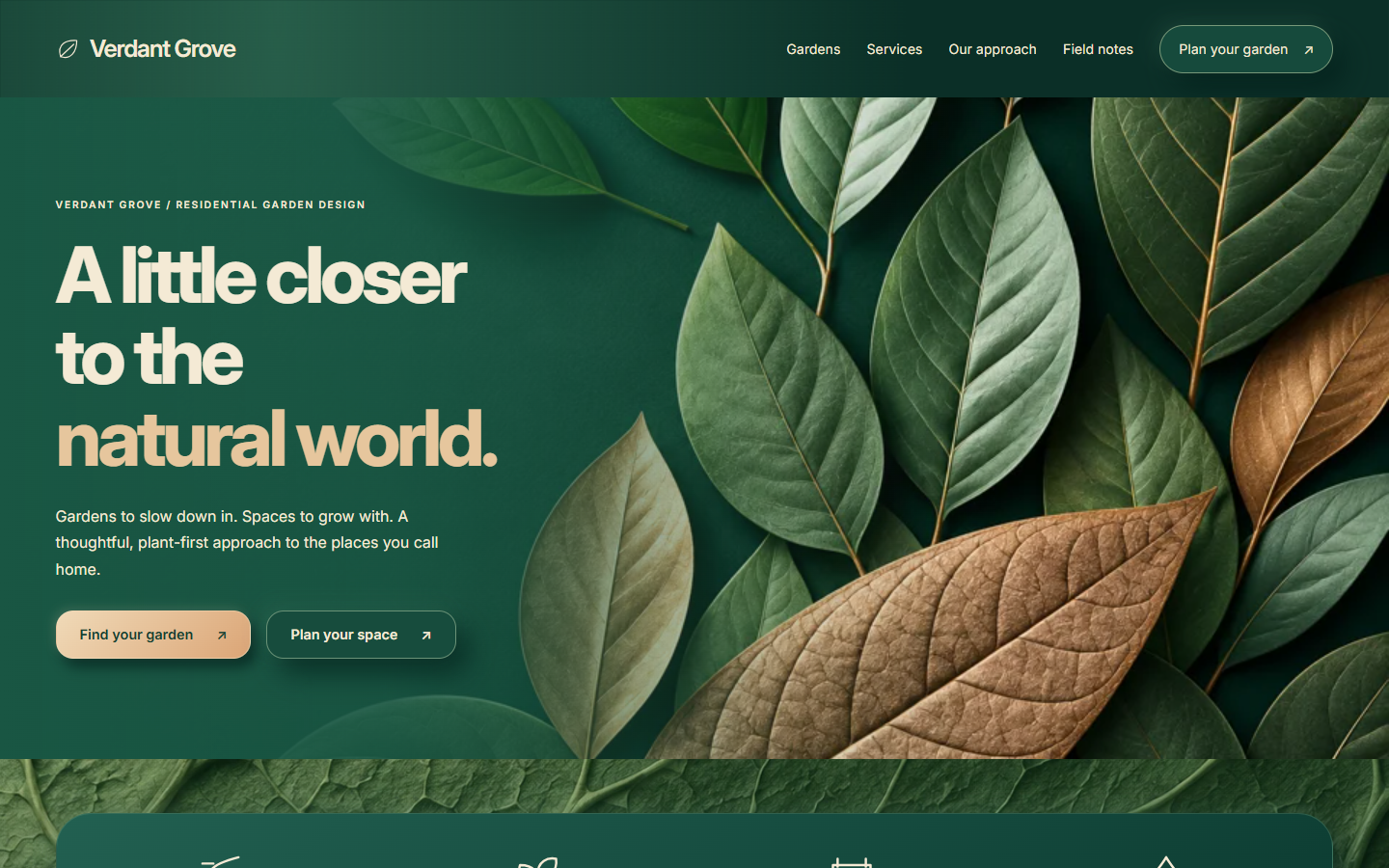
Garden imagery leads the experience. Practical information stays clear, with deliberate changes of scale and composition across the site.
Oversized sculptural leaves lead a green botanical opening. Raised principle panels and mixed material tiles establish a distinctive visual rhythm.
Explore the homepage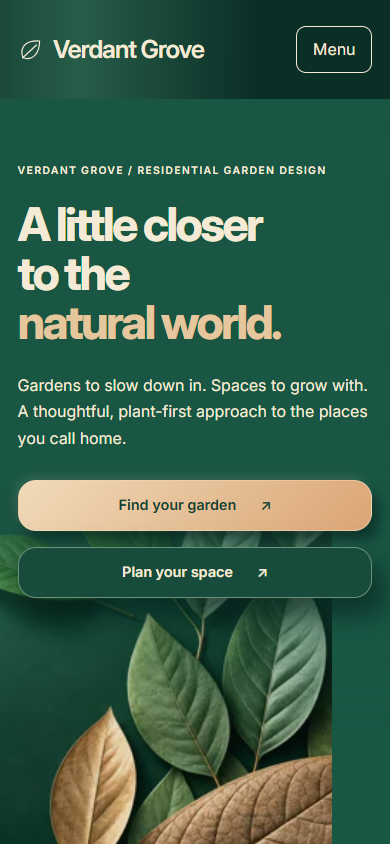
Images and explanations stack in reading order. The compact menu keeps the next useful step close.
Open the full mobile capture ↗A GARDEN STORY / WITH SUBSTANCE
Each garden connects an imagined brief to site conditions, original schematic plans, materials, plant inspiration and care. The scenes are explicitly illustrative concepts.
Explore this page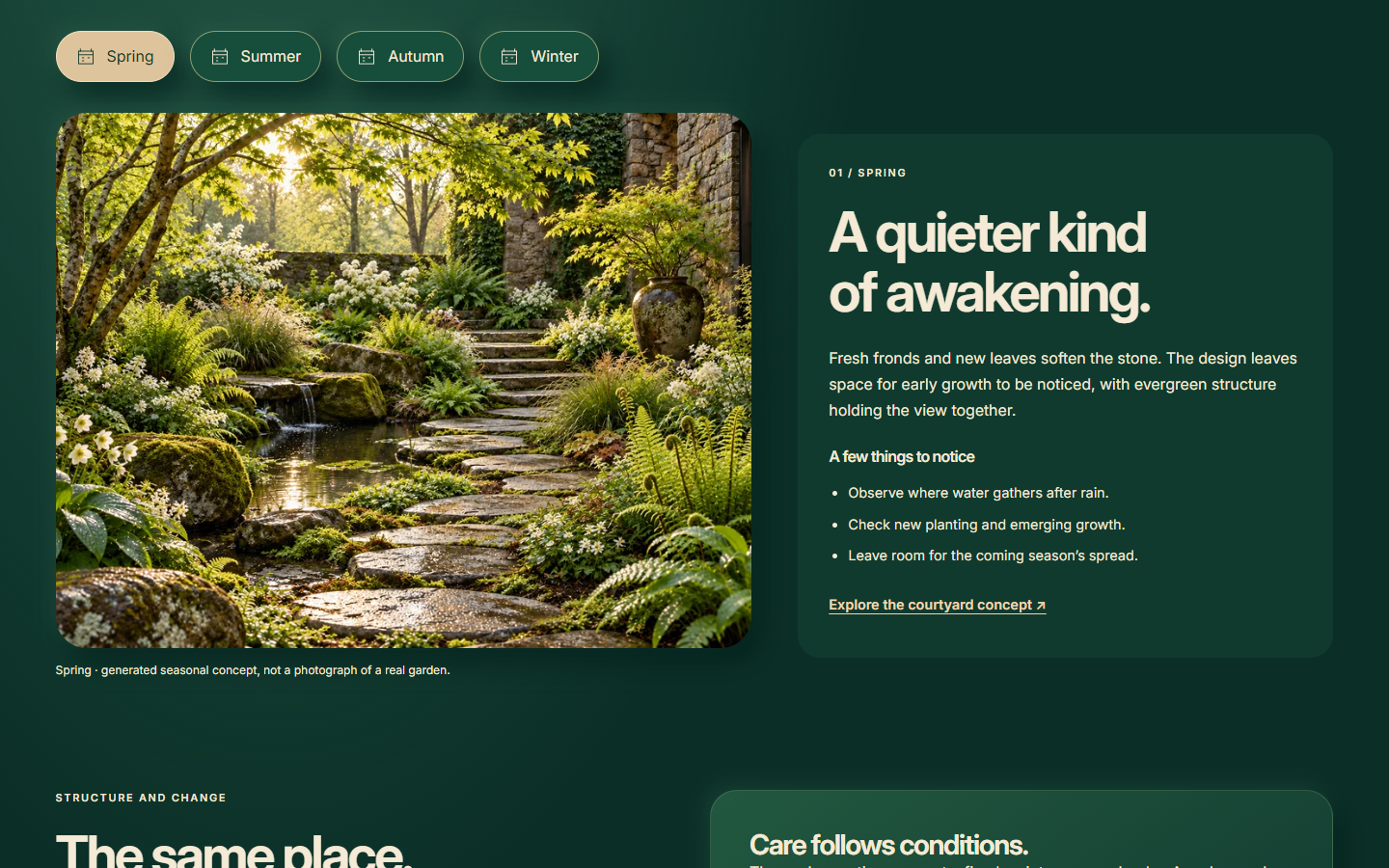
FOUR SEASONS / ONE CONSISTENT PLACE
Deliberate seasonal controls change the image and observations together. Spring growth, summer fullness, autumn colour and winter structure share the same courtyard layout.
Explore this pageA CURATED PLANT LIBRARY
Twelve illustrated plant entries pair botanical names with growing conditions and regional sources. Filters and inspiration selections help visitors explore a direction without pretending to generate a planting plan.
Explore this pageFROM INSPIRATION TO A BRIEF
Four guided steps gather space, priorities and project expectations into an editable sample summary. Copy, TXT download and print are available; the demo sends and saves nothing.
Explore this pageYour project brief stays in this browser. Nothing is sent.
THE IMAGE DIRECTION
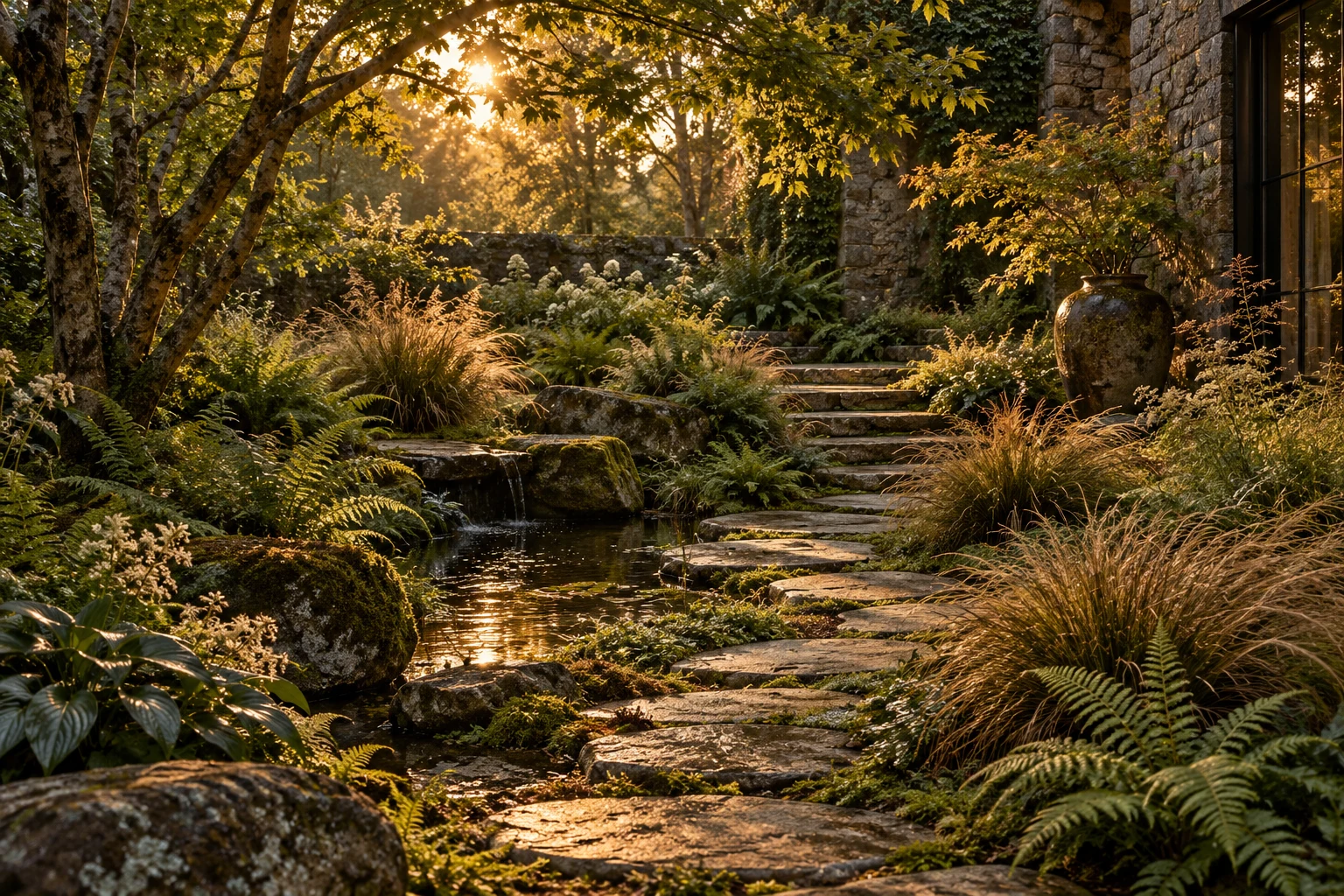
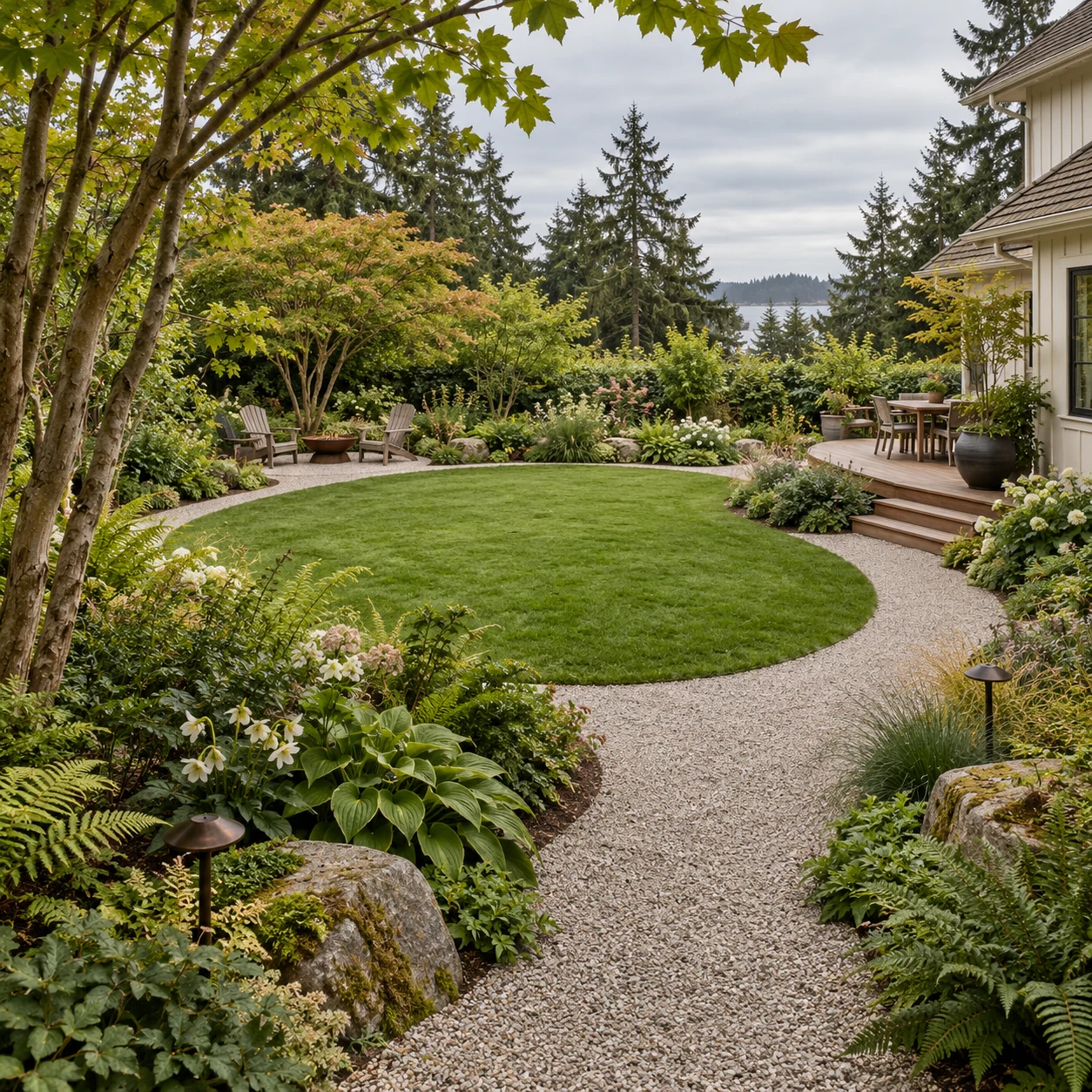
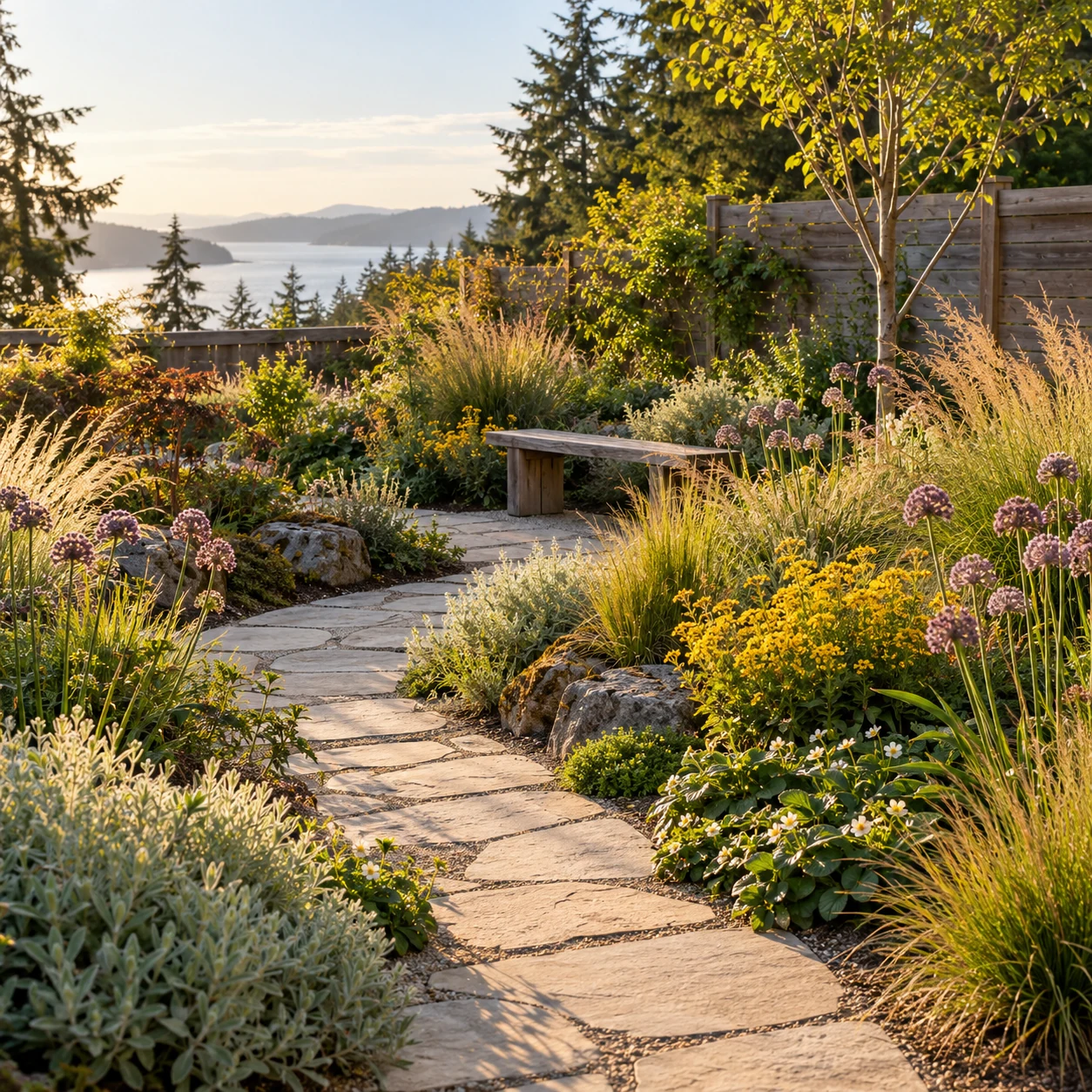
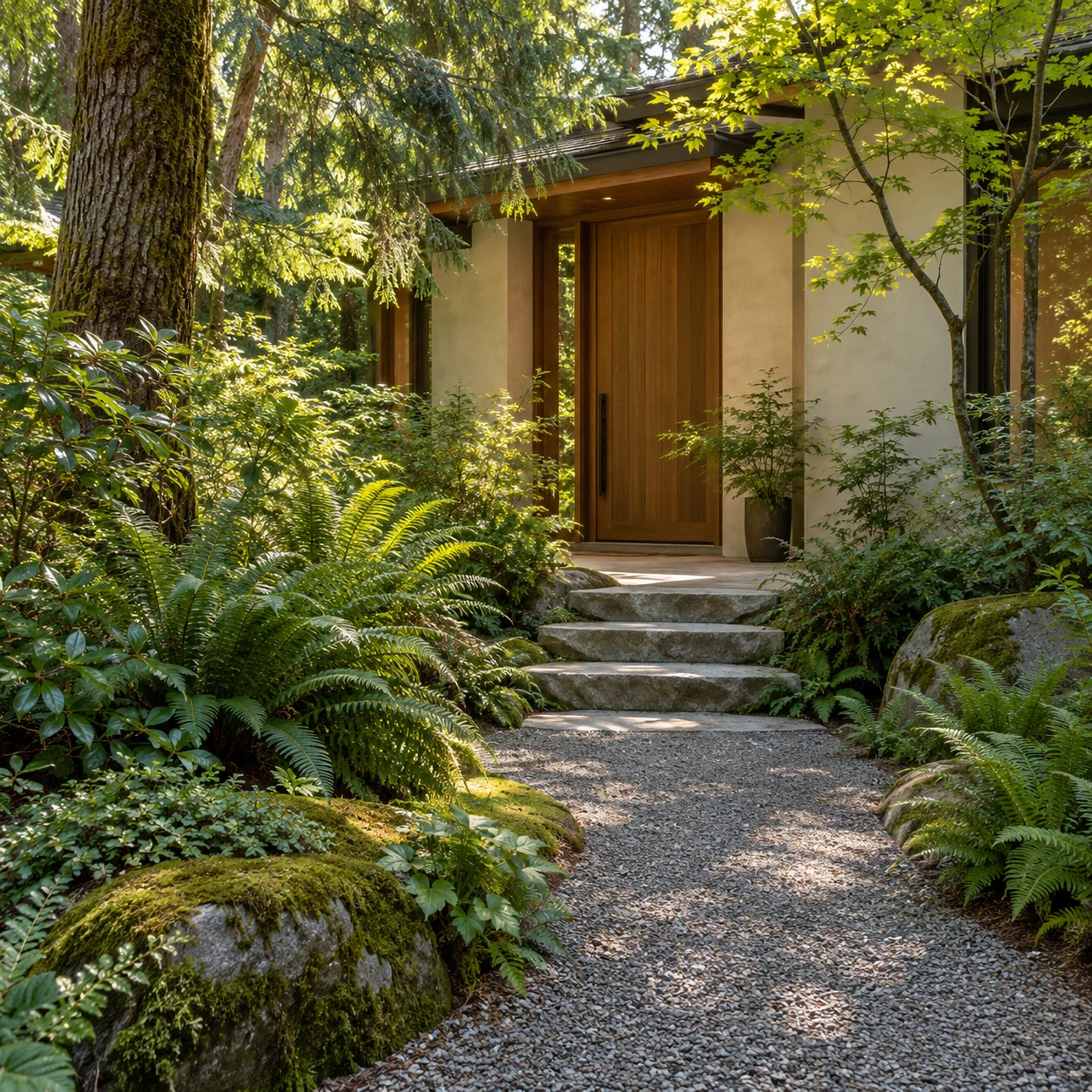
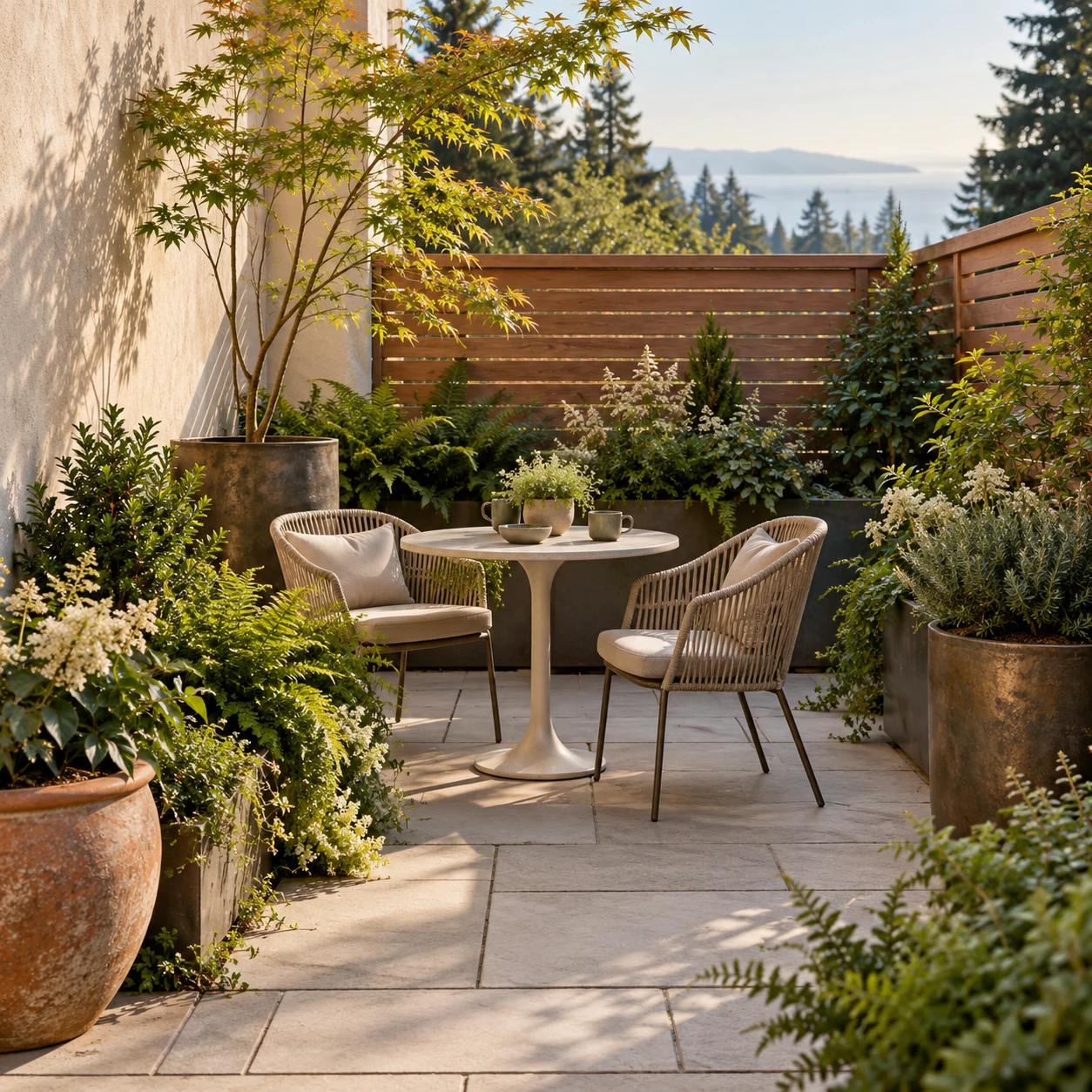
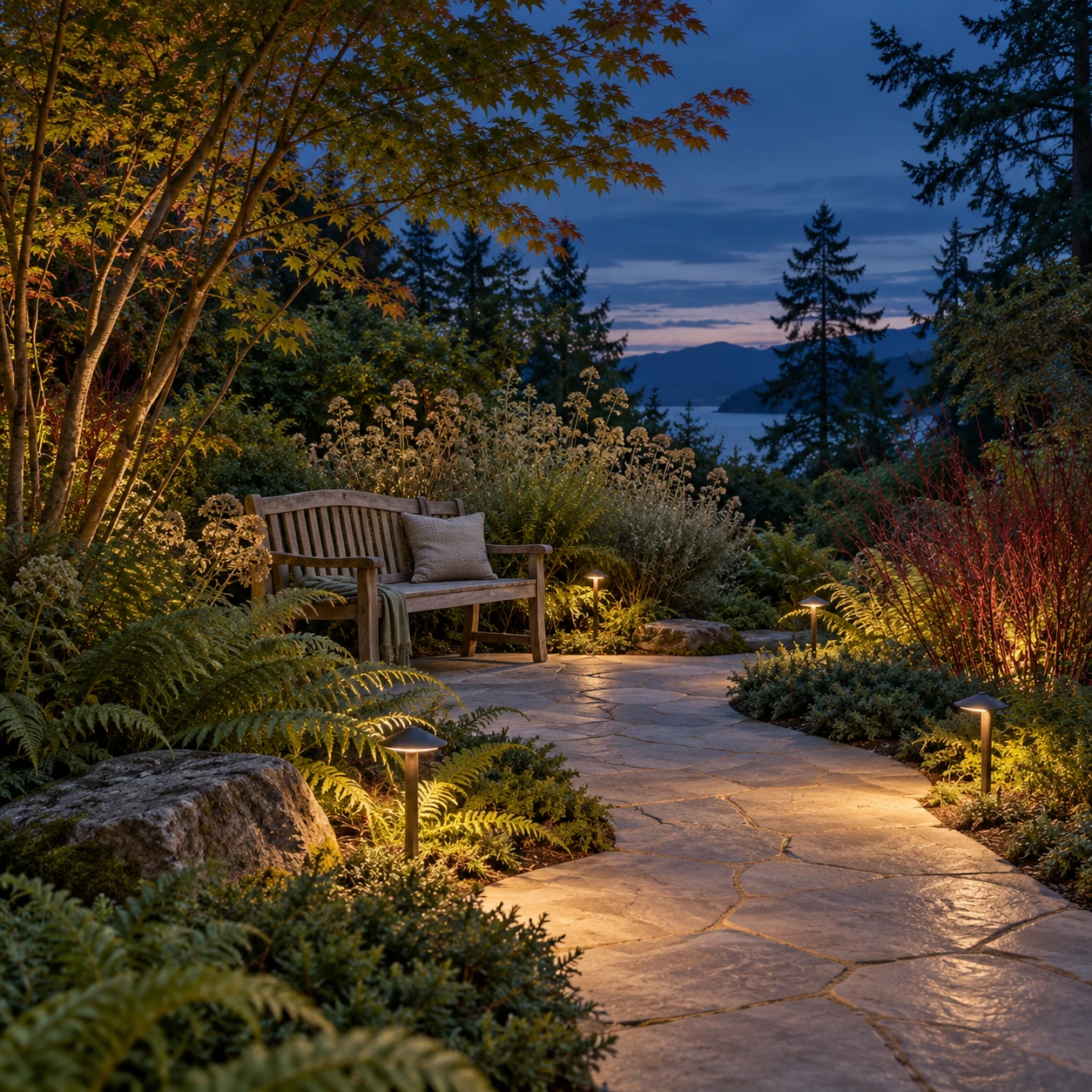
Explore each image, the visual idea behind it and its role in the website.

THE BRAND SYSTEM
The palette, type, icons and patterns connect the studio’s botanical character to useful, readable interfaces.
01 / COLOUR
#123F35Forest green anchors the opening and primary actions; cream copy provides contrast.
#779A69Sage supports planting and seasonal surfaces, rather than small body text.
#EAD4B0Warm cream connects the website to paper, stone and natural materials.
#8A5940Bronze appears in the leaf artwork and material story, adding warmth without another interface accent.
Forest green #123F35 supports readable interface actions. Sage, cream and bronze are supporting tones; small text uses a darker foreground.
02 / TYPOGRAPHY
Inter bold display / Inter reading and controls
Bold Inter headings, cream reading text and tactile green surfaces connect the demonstration to this product page.
03 / INSTALLED ICONS
Leaf marks support the wordmark. Sunlight and water identify growing conditions; planting introduces the library; path and seasons support exploration.
These coordinated SVGs are installed in this demo. They support labels and never replace the garden or plant imagery.
04 / PATTERN APPLICATIONS
Branching lines echo leaf veins around the closing invitation, leaving essential text clear.
The pattern belongs on supporting surfaces. Large garden scenes and botanical specimens carry the visual story.
MAKE IT YOUR OWN
THE FIVE-PAGE STARTING PACKAGE
5 pages and 2 consolidated revision rounds.
THE EXPANDED WEBSITE SHOWCASE
This 22-page demonstration includes six garden stories, a twelve-entry plant library, seasonal views, editorial content and a guided sample brief.
The full showcase is not included automatically in the five-page package. Its pages, tools and content require a separately agreed scope and price.
FROM DIRECTION TO DELIVERY
Try the live demo and note the pages or interactions that fit your idea.
Describe your goal, audience and what you would adapt in a private draft.
Review and copy the brief when ready. Nothing is sent.
EXPLORE THE COMPLETE DEMO
Twenty-two connected pages, six illustrative garden concepts, twelve researched plant entries, seasonal views, field notes and a guided sample brief. It represents a fictional coastal BC studio; no enquiries, accounts, appointments or payments are connected.
The gardens, planting scenes and studio stories are illustrative concepts. Website screenshots are actual captures of the implemented demonstration. No completed client work or measured results are implied.
The version 4 toolkit documents the original artwork, installed icons and draft guidance. Final business identity, asset rights and licences are agreed during customization.
YOUR NEXT CHAPTER
Start with the direction. Shape the website around your business.
Your project brief stays in this browser. Nothing is sent.
